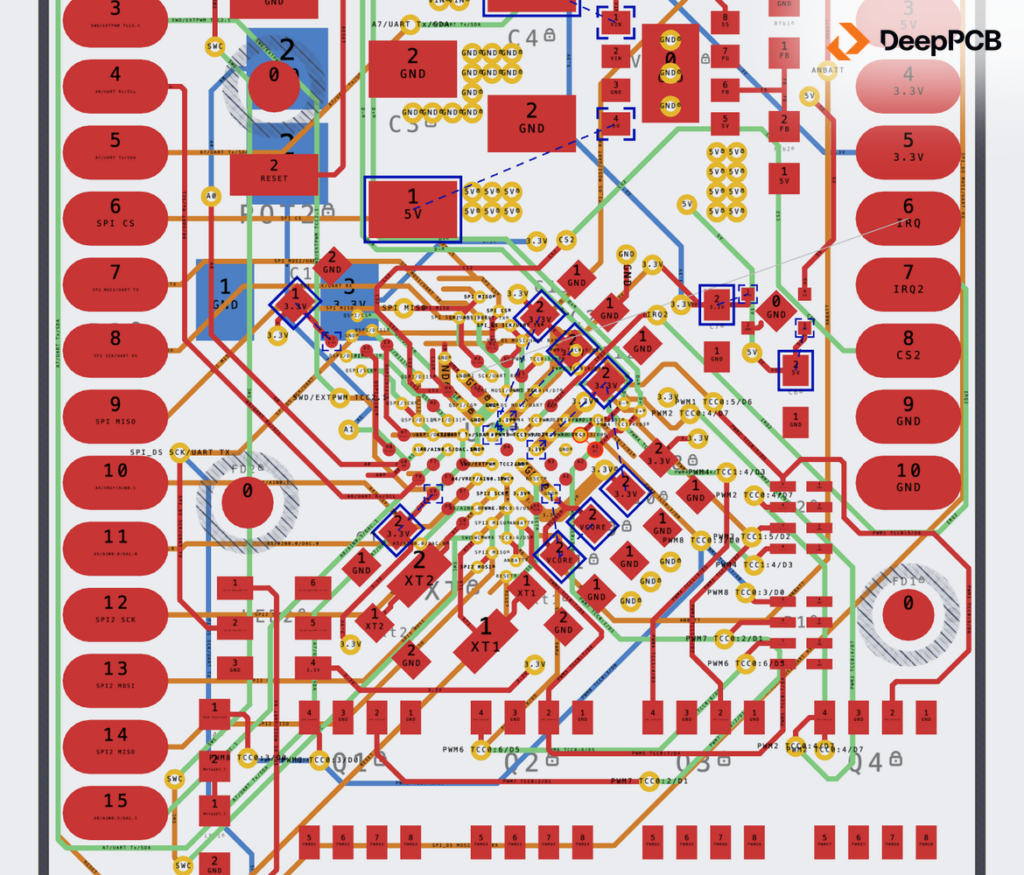
SAMD51: 6-Layer Compact MCU Board
- Routed
- 99.5%
- Run time
- 1h 51m
- Est. by hand
- ~56 hrs (7 days)
- Est. savings
- ~38 hrs
Typed the ground and split-power layers as power, and defined the USB pair the file was missing.
Inspect the full test reportDeepPCB routes your board to the design rules you already wrote in Altium Designer, around the nets you routed yourself, and hands it back ready for review. A Route button inside Altium Designer is next. Founding users get it first.
The first Altium Designer release goes to a small group of founding users. They shape what ships.
Your first thirty minutes of routing are free.
0 Altium Designer users have asked for this
DeepPCB reads the rules you already wrote, routes to every one that governs copper, and hands the board back clean against your own DRC.
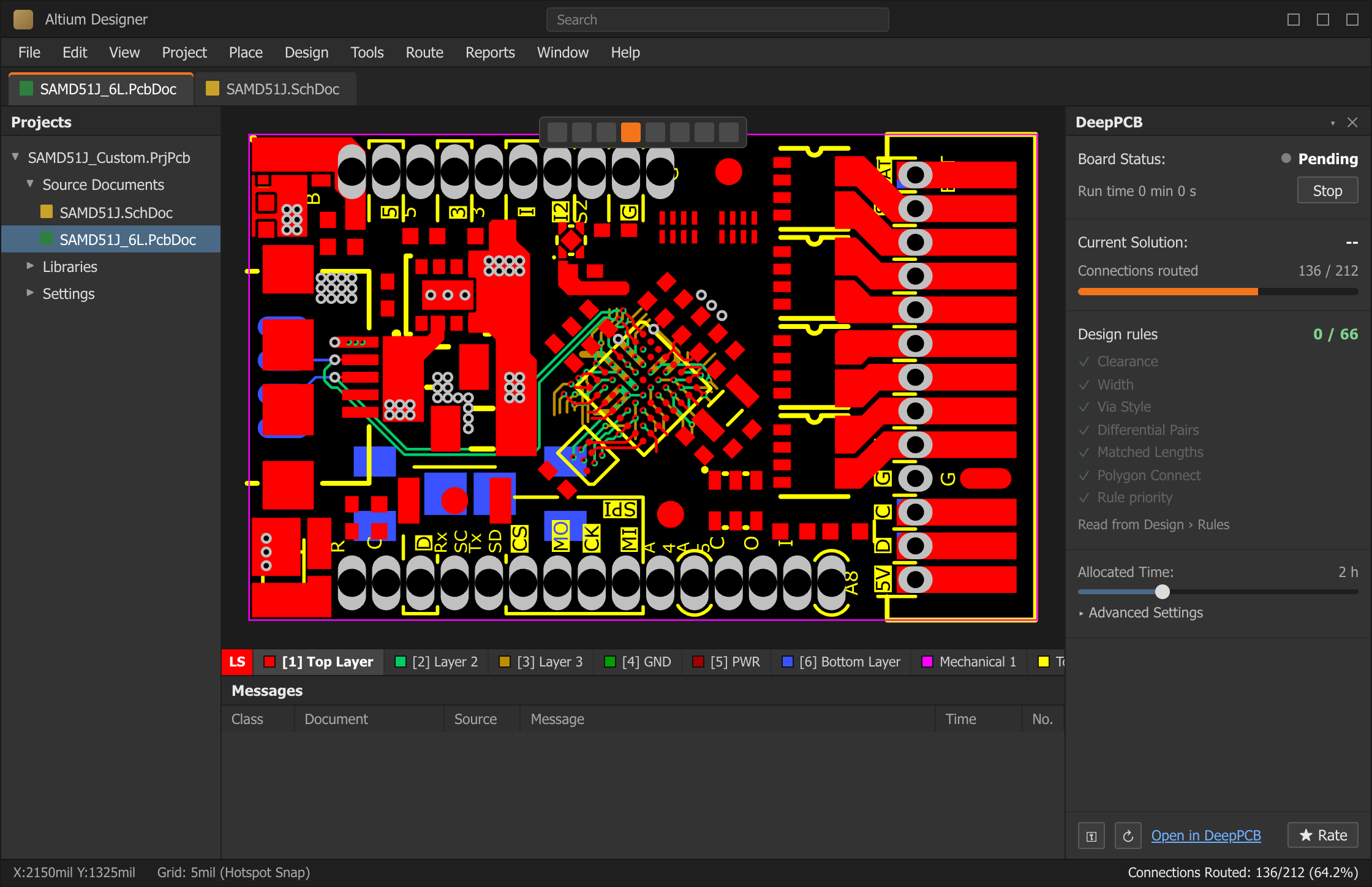
Concept: DeepPCB inside Altium Designer. The board is a real run, drawn from its published geometry: SAMD51J, 6 layers, 65 nets. The designer routed 136 of 212 connections. DeepPCB routed 75 more in 1 h 50 min 54 s and left one for review. Read the benchmark →
Signal and power nets, differential pairs, length-matched groups within your tolerance.
Vias inside your drill pairs and styles. Plane and polygon connections as specified.
Rooms, keepouts, permitted layers and rule priority. Parts never move.
Mask, testpoint and SI rules, silkscreen, everything it didn't route.
 17:56
Zach Peterson · OnTrack host
“Imagine, for example, Altium had a panel built into it that could then send your design to these different AI tools.”
Zach asked the DeepPCB team how to stop AI tools from shipping epic hardware fails. Their answer, on screen: Cooper reads the board, flags what the design file leaves unspecified, like a missing reference plane or a USB pair that isn't 90 Ω, and routes once you accept the fixes. They also ran a board Zach sent them.
You keep designing in Altium Designer, the way you do now. Hand DeepPCB a few nets, one block, or the whole board, as often as the design changes.
MOTOR_CTRL_48V.PcbDoc
Nothing to switch to. Libraries, rules and outputs stay in Altium Designer.
Your work stays put. Placement and hand-routed nets come back untouched.
Any time, any size. A few nets take minutes. A whole board, under two hours.
The board is placed. Layout can't take it until the 20th. Today that leaves three choices: route it yourself at night, wait in the queue, or send it to a bureau. With DeepPCB, the engineer who owns the circuit routes it this afternoon.
Your board is placed and the layout queue is two weeks long. Route it yourself this afternoon and be at the bench before the idea goes cold.
Hand off the sensor breakouts and the fourth revision. Your team spends its time on the RF, DDR and dense boards only they can do.
Try the four-layer and the six-layer version before you commit. You find out sooner whether it works, without adding headcount.
Each of these Altium Designer boards came back routed in under two hours. Put that clock next to what a board like yours costs you by hand, then decide what you'd rather do with the week.
Typed the ground and split-power layers as power, and defined the USB pair the file was missing.
Inspect the full test report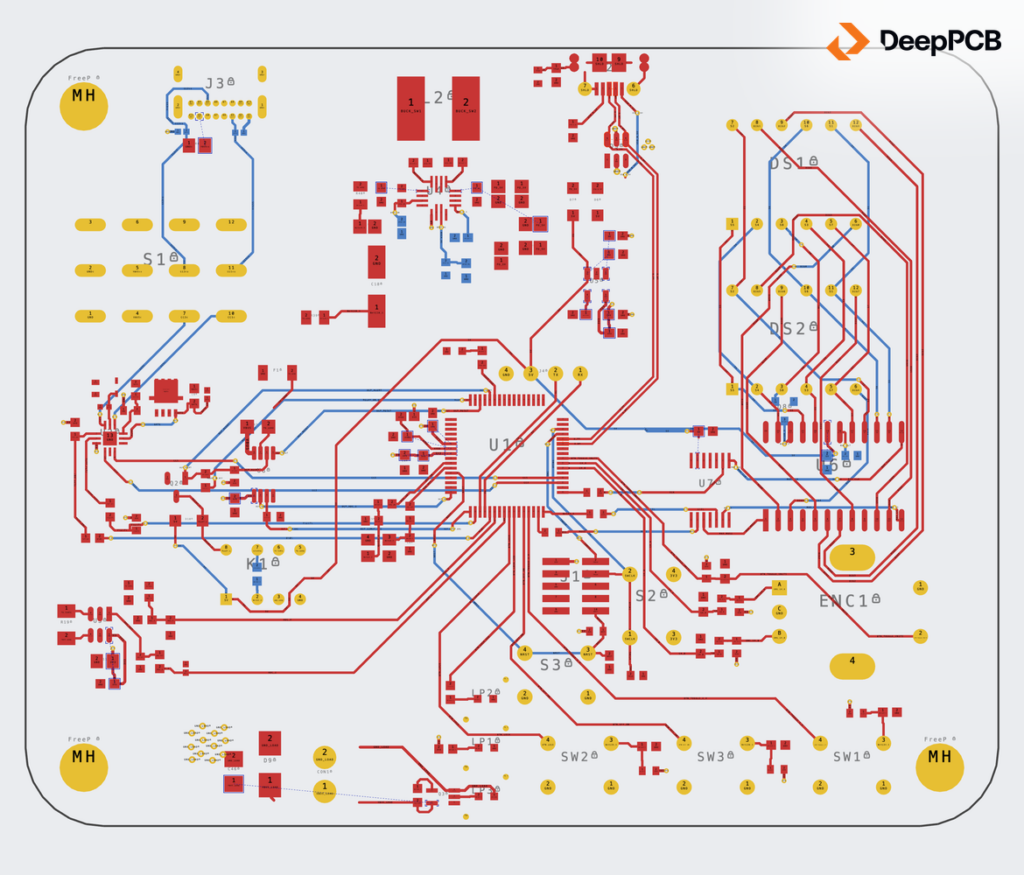
Retyped both inner layers as power and gave VBUS, 3V3 and ground wider tracks before routing.
Inspect the full test report
Typed the inner layers as power, widened the 24 V and 3.3 V rails, and split the VCC plane so 24 V could use it.
Inspect the full test reportRouting runs on DeepPCB's servers. Your designs are private: never shared, never anyone else's example. On the self-serve tier, uploads may be used to improve the engine.
DeepPCB for Enterprise runs on-prem or in your private cloud, so boards never leave your network. Contractual IP terms, including no training on your data, under an MSA and SLA.
A Route button inside Altium Designer is next, and founding users get it first, with a direct line to the team building it. You don't have to wait to see what it does on your boards: KiCad opens your .PcbDoc, and the DeepPCB plugin routes it there today. Tick the box and we'll help you set it up.
Founding users get
Tonight, on a copy of your board about 10 minutes, then let it run
Altium Designer users asking for this